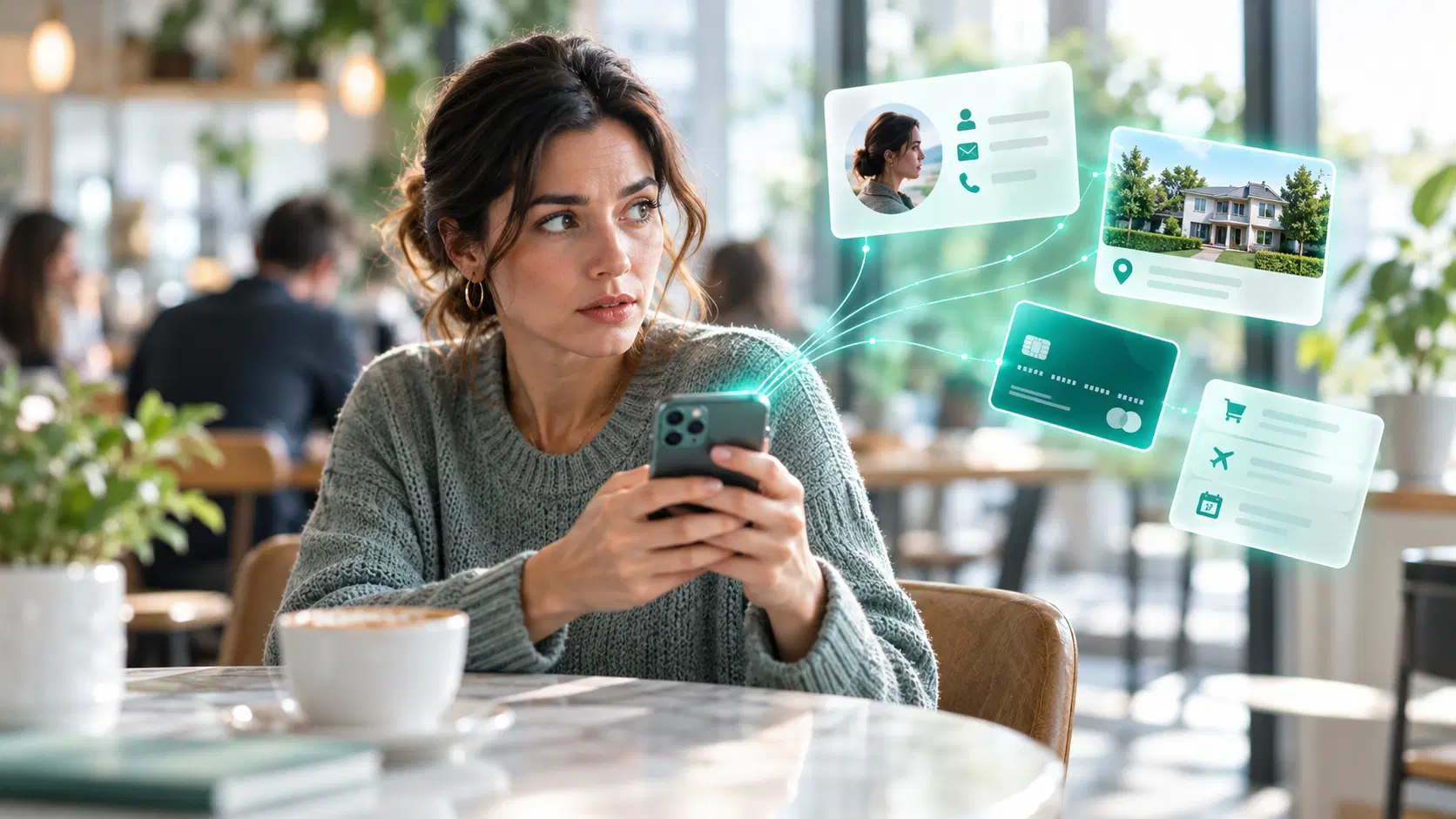
How do scammers get your personal information?
Scammers can get personal information in many ways. Sometimes they trick people into revealing it through phishing messages, fake websites, scam calls, quizzes, surveys, or other forms of social engineering. Information may also be stolen directly from a device using malware, exposed in a data breach, collected from public sources, or obtained through physical methods such as card skimming or stolen mail.
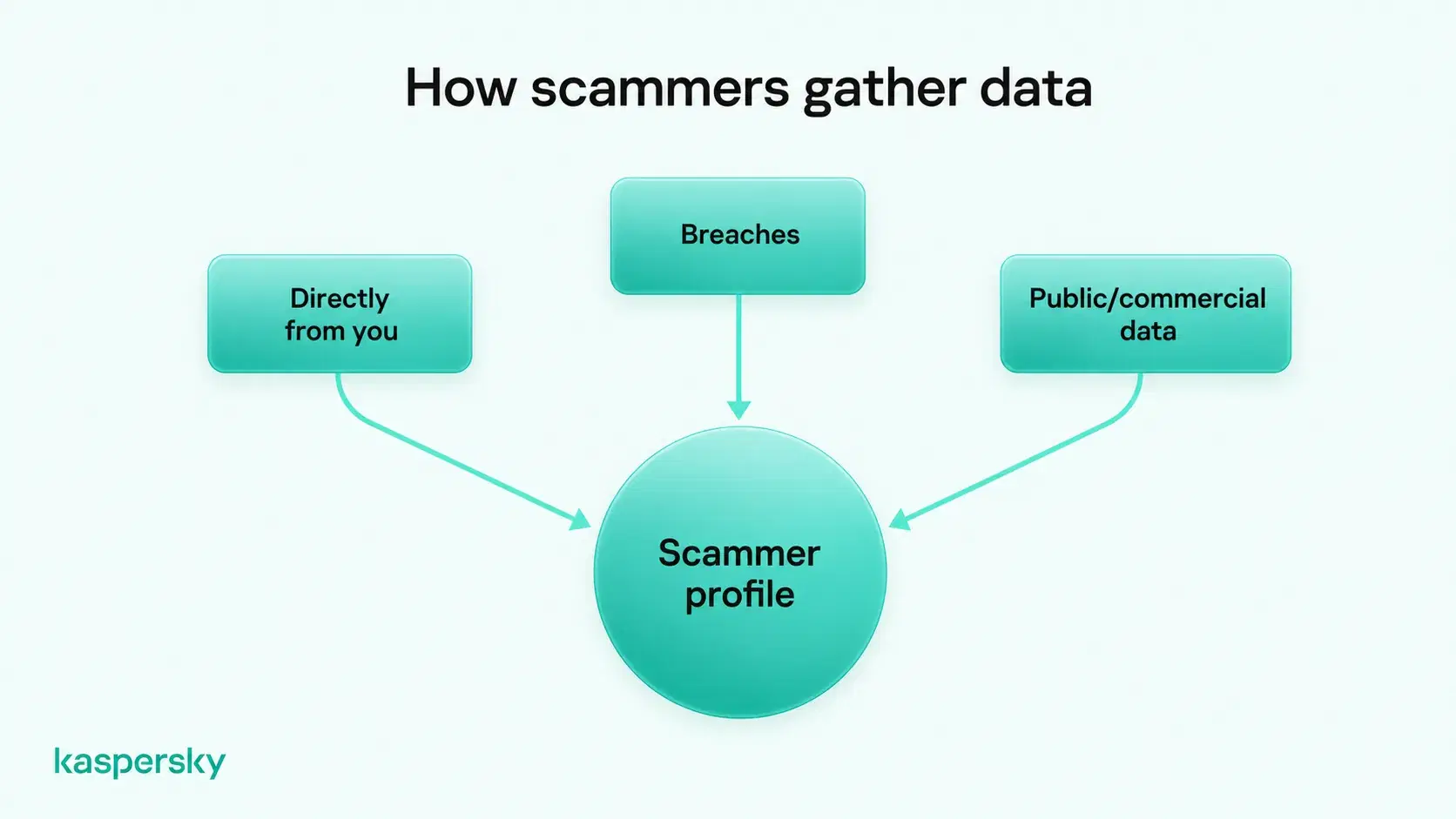
Scammers often gather information from multiple sources rather than relying on a single hack. By connecting these details, they can learn more about a person and make their scams more convincing.
- Scammers commonly get information in three main ways: directly from the victim, through leaked or breached data, and from public or commercially available sources.
- Different pieces of information can be combined to create a much more detailed profile, which is why a scammer may already know genuine personal details.
- Kaspersky research from 2025 found that 88.5% of phishing attacks analyzed were aimed at stealing account credentials.
- A caller or message knowing a name, address, bank, employer, or other real information does not prove that the person contacting you is genuine.
- Security software, trusted downloads, software updates, and sharing less personal information online can reduce the amount of data scammers are able to obtain.
- Unique passwords and two-factor authentication can make leaked credentials far less useful if personal data is exposed.
Phishing and social engineering
Phishing and other forms of social engineering rely on manipulation rather than technical hacking. Scammers may send emails or make phone calls that appear to come from a bank, delivery company, government service, employer, or another trusted organization.
These scams can take several forms. Smishing uses text messages. Vishing uses voice calls. Fake websites, online shops, quizzes, surveys, competitions, and giveaways can also be designed to collect personal information.
The aim is usually to persuade the victim to reveal details such as usernames, passwords, payment information, or personal identifiers. The scam may encourage someone to click a malicious link or give the caller remote access to a device.
Infostealers and other malware
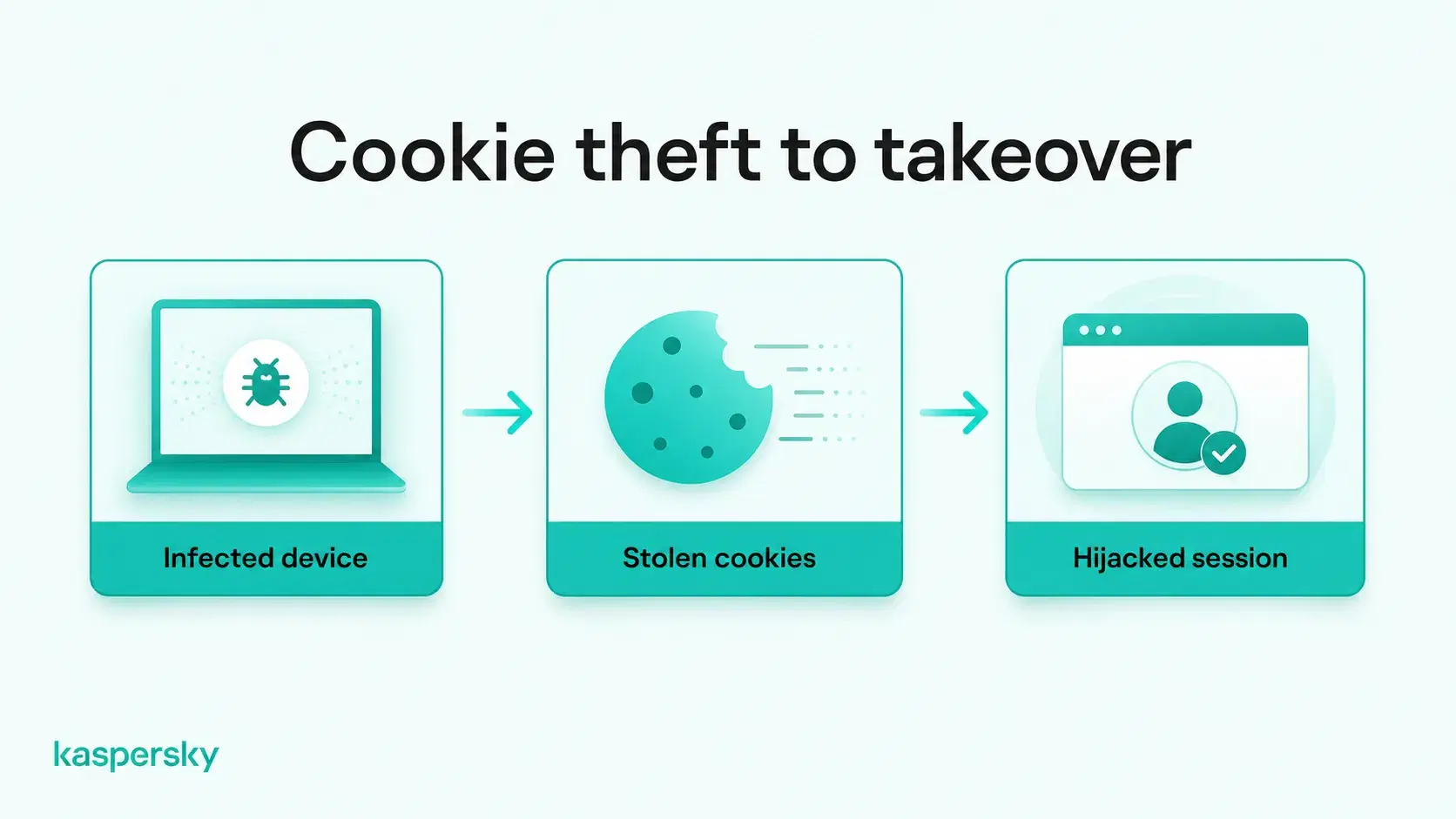
Malware can collect personal information directly from an infected device. Infostealers are a type of malware designed specifically to find and steal data such as saved passwords, browser cookies, payment details, files, and other sensitive information.
Malware can infect devices through malicious downloads, phishing attachments, compromised websites, or fake apps disguised as legitimate software.
Browser cookies can also be valuable. Stolen session cookies can potentially allow attackers to hijack an active login session without needing to enter the password again. This is one reason malware on a trusted device can expose more than just files stored locally.
Data breaches
Personal information can also be exposed through a company or online service even when the individual has done nothing wrong.
A data breach may reveal email addresses, phone numbers, names, passwords, payment information, dates of birth, or other account data. Stolen credentials may then be reused in later scams or even sold to other criminals on the dark web.
Breached data can remain useful for a long time. Even if an old password is no longer valid, other details such as an email address, phone number, home address, or date of birth can still be combined with newer information from another source for some forms of identity fraud.
Public sources and data brokers
Not all information used by scammers is stolen. Some of it may already be public or commercially available.
Social media profiles can reveal names, workplaces, relatives, locations, birthdays, interests, travel plans, and other personal details. Public records, people-search websites, directories, and data brokers can provide additional information such as contact details, addresses, and demographic data.
Physical methods
Scammers can also collect information offline. Shoulder surfing involves watching someone enter a PIN or other sensitive information in a public place.
Card skimming devices can capture payment-card details, while stolen mail may contain bank statements, account information, or identity documents. Discarded paperwork can also expose useful personal details if it is not destroyed securely.
What can scammers do with your personal information?
What scammers can do with personal information depends on the details they obtain. Even an email address or phone number can be used for phishing or other targeted scams, while additional information can enable more convincing impersonation, account takeover, or identity theft.
For example, a scammer might combine an email address exposed in a data breach with an employer's name found on social media. They could then send a phishing message that appears to come from the company's IT department, making the request seem more credible.
Knowing genuine personal details does not make a caller or message trustworthy.
Scammers can use different types of personal information for different purposes:
|
Information exposed |
What scammers can do with it |
|
Email addresses and phone numbers |
Send targeted phishing messages, scam calls, or fraudulent account notifications. |
|
Usernames and passwords |
Attempt to access accounts or test reused credentials on other services. |
|
Payment card or banking details |
Attempt unauthorized transactions or financial fraud, depending on the information obtained. |
|
Names, addresses, and social media details |
Impersonate trusted contacts or make scams appear more convincing. |
|
Identity documents and sensitive personal details |
Attempt identity theft, fraudulent applications, or account impersonation. |
|
Browser cookies and active sessions |
Potentially hijack logged-in accounts without entering the password again. |
What should you do if a scammer has your personal information?
The first step is to identify what personal information may have been exposed. The right response depends on the type of data involved, whether an account has been accessed, and whether a device is compromised.
|
Information exposed |
Main risk |
What to do |
|
Passwords or account credentials |
Account takeover and unauthorized access |
Change affected passwords, including on other accounts where they were reused. Enable two-factor authentication (2FA), review account activity, and sign out of unfamiliar sessions. |
|
Payment card or banking details |
Unauthorized payments and financial fraud |
Contact your bank or card provider immediately. Ask whether the card or account needs to be blocked or replaced, and review recent transactions. |
|
Identity documents or sensitive personal details |
Identity theft and impersonation |
Contact the relevant issuing authority or service for guidance. Watch for unfamiliar accounts or applications made in your name and report suspected identity theft. |
|
Email address or phone number |
Phishing, scam calls, and targeted impersonation |
Be cautious with unexpected messages and calls, especially those containing genuine personal details. Avoid suspicious links and verify requests independently. |
|
Browser cookies, active sessions, or malware-related data |
Session hijacking and further credential theft |
Check and clean the affected device using trusted security software. Then change important passwords from a clean device, revoke active sessions where possible, and review account activity. |
Continue monitoring important accounts for suspicious logins, password reset attempts, and unauthorized transactions. Report any confirmed misuse to the relevant provider or organization.
How can you protect your personal information from scammers?
Protecting personal information starts with making it harder for scammers to collect useful details. Be cautious with unexpected messages or calls, especially when someone creates a sense of urgency or requests account access. Even if a request appears to come from a trusted organization, verify it through an official contact method before sharing information or granting access.
Accounts also need strong protection. Use a different password for every online account. These can be stored in a reputable password manager. It is also a good idea to enable two-factor authentication (2FA) wherever it is available. This means your password alone may not be enough on its own to access the account.
Devices should also be protected against malware and infostealers. Download apps and software from trusted sources, install security updates promptly, and use reputable security software that can detect malicious files, websites, and other threats.
Limit the personal information available online by reviewing social media privacy settings and avoiding unnecessary public details, such as birthdays, family information, or travel plans. Delete unused accounts and remove personal information from online services you no longer need.
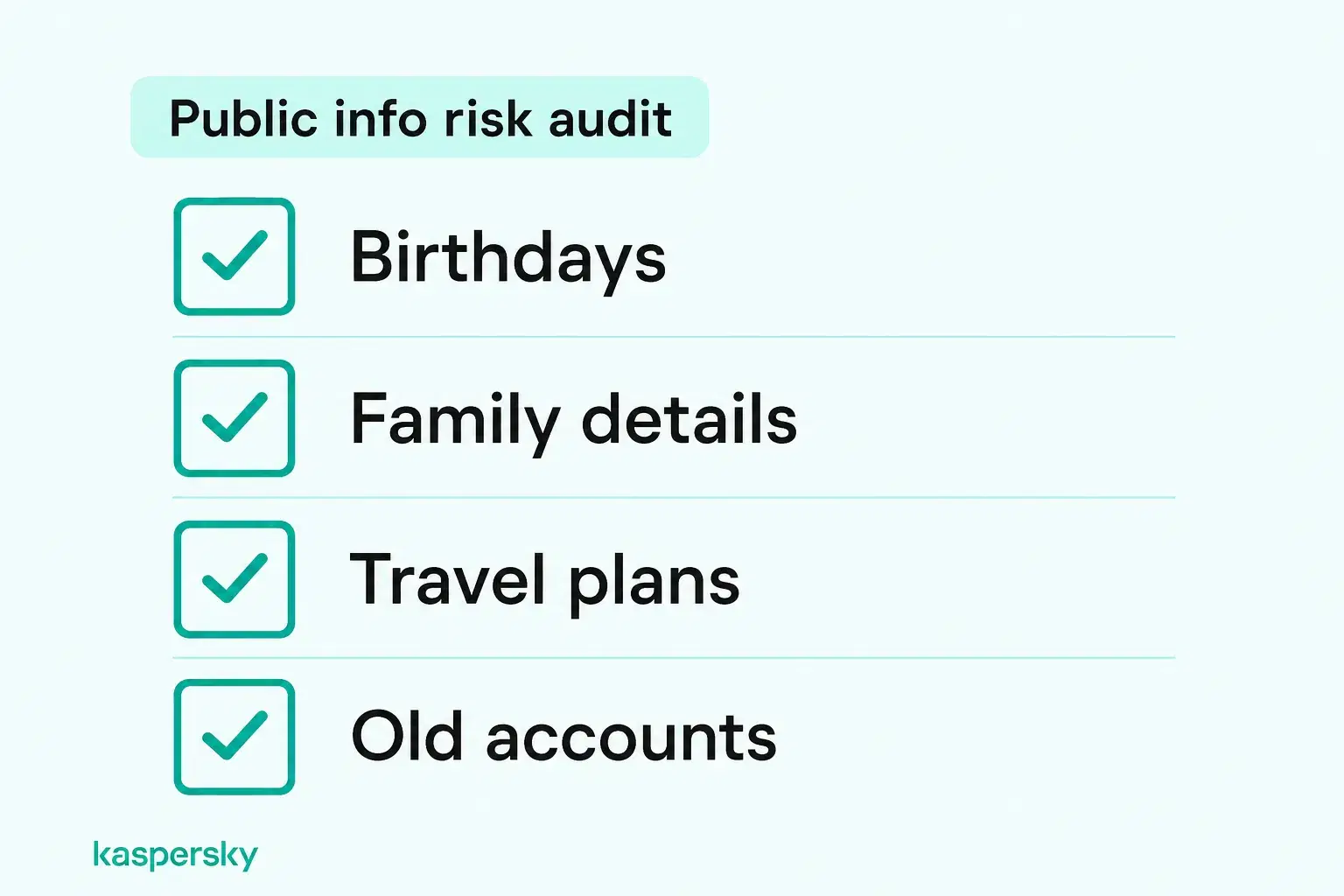
Pay attention to data breach notifications and suspicious login alerts. While these precautions cannot prevent every data leak, they can reduce your exposure and help you respond before stolen information is misused.
Kaspersky Premium combines antivirus protection with tools designed to block malicious websites and phishing attempts, identify data and password leaks, and securely manage passwords.
Independently tested and awarded by the industry's leading labs.



Related Articles:
- What do you know about scam websites?
- How to avoid social engineering attacks effectively?
- What are the best phishing prevention tips to protect yourself?
- How to avoid data theft
Related Products:
FAQs
Can scammers get your information just from a text or call?
Usually not from the text or call alone. The greater risk comes if the recipient taps a malicious link, replies with personal information, installs software, or grants access to a device. Replying can also confirm that a phone number is active. Suspicious messages are best blocked and deleted.
Can someone steal your identity with just your name and address?
Usually not with only a name and address, although those details can make targeted scams and impersonation attempts more convincing. Identity theft generally requires additional information, such as a date of birth, ID details, account credentials, or other personal data.
What information does a scammer need to access your bank account?
A name and bank account number alone are usually not enough to access online banking. Scammers typically need additional authentication information, such as login credentials, security codes, or access to a trusted device, active session, or screen.
How can you tell if your card has been skimmed?
It can be difficult to tell at the machine itself. A loose or unusual card slot or other unexpected attachment can be a warning sign. Unauthorized transactions or bank alerts are often the clearest indication that card details may have been compromised.