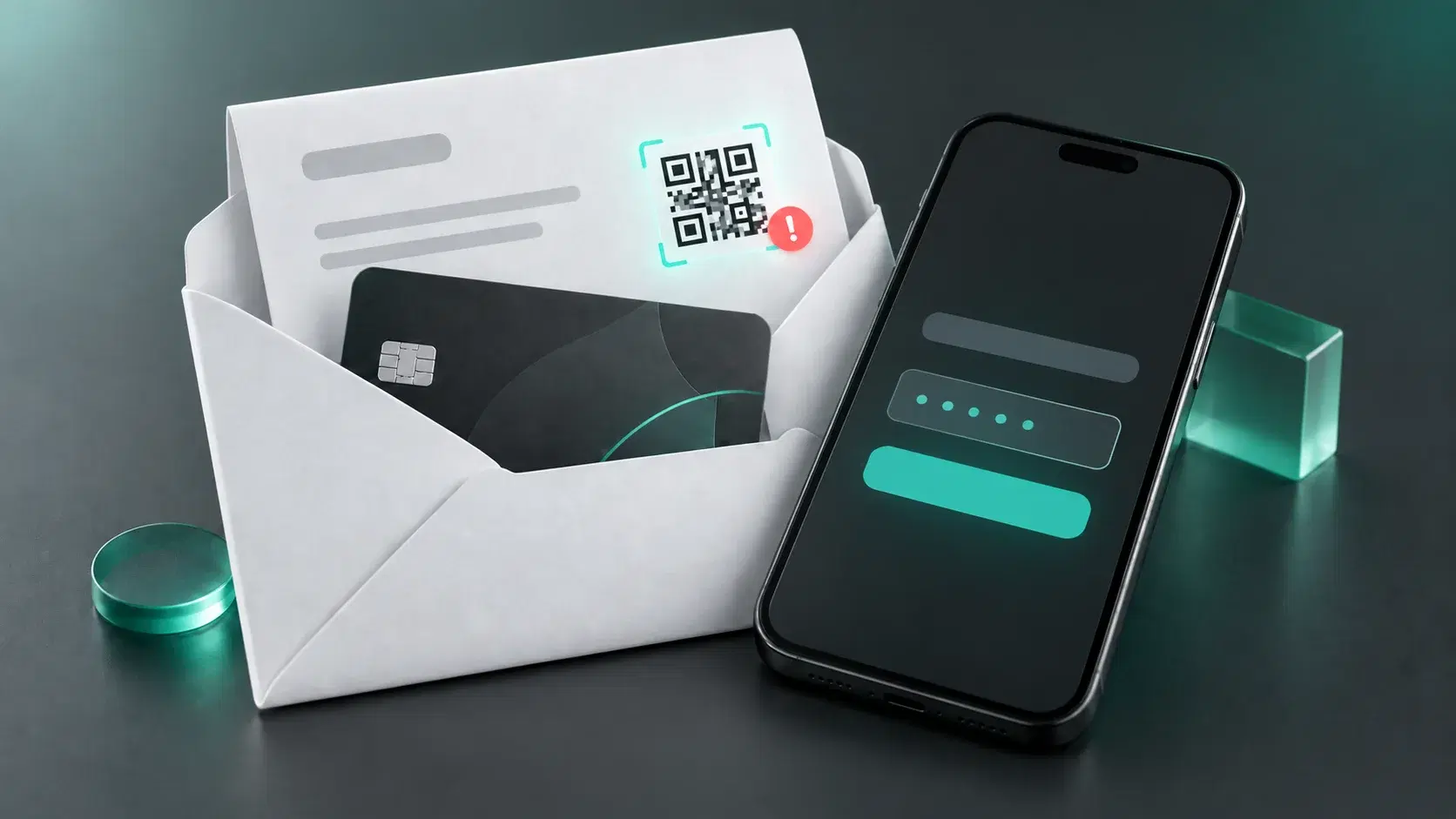
A new type of scam is spreading in European countries. Victims receive a plastic bank card by mail and are instructed to visit a fake website to activate it. This phishing scam puts personal data and finances at risk because cybercriminals attempt to steal personal information and banking credentials.
How the scam works: from a fake letter to an empty bank account
The scam starts with a paper letter delivered to the victim's mailbox. The envelope contains a new card and instructions that appear to come from the bank. The recipient is told that their old card is no longer valid or will expire soon and is urged to activate the new one, otherwise their account will supposedly be blocked.
To activate the card, the recipient is instructed to scan a QR code in the letter. The code leads to a fraudulent website that imitates the real bank's website. The "customer" is then asked to enter their account credentials, card PIN, and one-time codes used to confirm online banking logins or transactions. If the victim provides this information, cybercriminals can gain access to their bank account and carry out unauthorized transactions.
In 2026, residents of France and Portugal encountered this type of scam. French police were among the first to warn about similar cases, while Portugal's National Republican Guard later reported the same scheme.
Why the attack looks convincing: psychology, the dark web, and AI
This attack can look like ordinary communication from a bank. A person receives a paper letter and a physical bank card, and in some cases the recipient's name is printed on the card. A physical letter containing a bank card may seem less suspicious than an email supposedly sent by a bank.
Cybercriminals also create a sense of urgency. The recipient is told to activate the card quickly and warned that their account could be blocked. Afraid of losing access to their money, the victim may scan the QR code without checking who sent the letter.
To personalize scams like these, cybercriminals use information from previously compromised databases, including data sold on the dark web. AI can also make modern phishing more convincing: it can be used to quickly create grammatically correct messages and adapt them to specific individuals.
How to tell a fake notification from a genuine one
An unexpected bank card should immediately raise suspicion if you did not request a replacement. Another warning sign is a demand to urgently follow a link or scan a QR code to activate the card, accompanied by a threat that your account will be blocked.
However, a QR code itself does not necessarily mean that something is fraudulent. For example, Portuguese bank Millennium bcp does include QR codes in letters sent with cards, but explains that it uses QR codes only to direct customers to informational materials, not to activate a card.
If you have followed a link and the website asks you to enter a username, card PIN, or SMS verification code, close the page immediately. To check whether your bank really issued a new card, verify the information in the bank's official app or website, or call customer support using the official phone number.
Phishing protection: 6 simple rules
Phishing messages can arrive by email, through messaging apps, or via SMS. Links and QR codes can also appear in paper letters. To avoid falling for a phishing website, follow these rules:
- Do not share passwords, PINs, or one-time verification codes in response to a request received by email, SMS, or a messaging app.
- Verify the sender through an independent channel. If a message seems suspicious, find the company's official website and contact it using the details listed there.
- Use security solutions with anti-phishing features. Keep your software updated so that its protection remains effective.
- Enable multi-factor authentication. Even if a cybercriminal obtains your password, they will have a harder time accessing your account.
- Regularly back up important data. Keep backups separate from your main device, for example on an external drive, so you can restore your information if necessary.
- Report phishing attacks. Share information about suspected fraud with the company being impersonated. This can help the company warn other users and take action against the phishing campaign.
Protect your data from phishing attacks
A phishing page can look like the genuine website of a bank or another service. Kaspersky Premium helps protect your personal data: its built-in Anti-Phishing feature detects and blocks phishing pages, including fake banking websites.
Try Kaspersky Premium for freeIf your data has already been compromised: a step-by-step action plan
If you have accidentally entered banking credentials or verification codes on a suspicious website, it is important to act as quickly as possible to limit cybercriminals' access to your account. Follow these steps:
- Block the card and contact your bank. A bank representative can tell you whether you also need to restrict access to online banking or request a replacement card.
- Change your passwords. Start with the compromised account and any other services where you used the same password.
- Enable two-factor authentication if it is not already enabled.
- Check transactions and account logins. If you find an unknown payment or transfer, report it to your bank immediately.
- Scan your device with antivirus software if you downloaded a file or installed an application from the phishing page.
Useful articles:
- What to do after a phishing attack
- Spam vs. phishing: What's the difference?
- How to spot phishing emails and avoid scams
Recommended products: