Products & Services

Kaspersky Anti-Virus Mobile

Kaspersky Anti-Virus Mobile 6.0 is a convenient and reliable solution that protects smartphones from malicious programs that target mobile platforms.

Reliable protection

  • On-demand scanning.
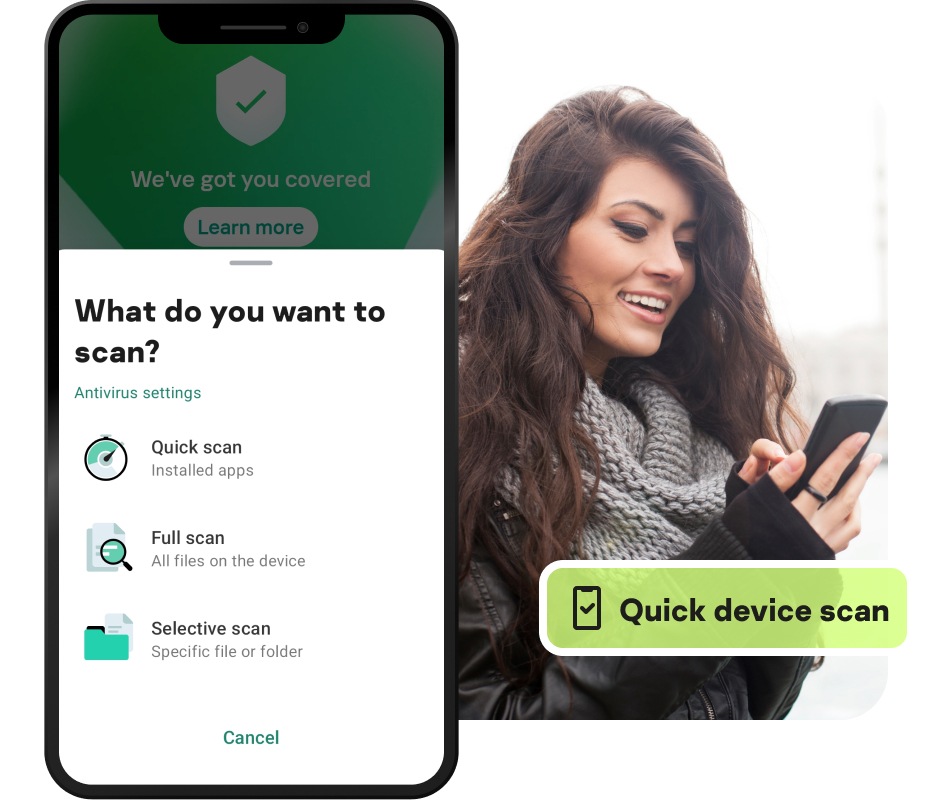
    You can launch a scan of your mobile at any time. Scanning the memory of a mobile device takes several minutes at most. It is possible to focus scanning on memory cards, individual folders and files. If an infected object is detected, it is stored in the quarantine folder or deleted.
  • On-access scanning.
    All incoming or modified SMS, MMS and email items are automatically scanned for malicious programs. The product also monitors executable files arriving via Bluetooth and other connection channels.
  • On-schedule scanning.
    You can pre-set the best time for antivirus scanning (for example, at night). Kaspersky Anti-Virus Mobile removes any infected objects and stores suspicious objects in quarantine. You have the option of viewing reports on suspicious objects and making the final decision.
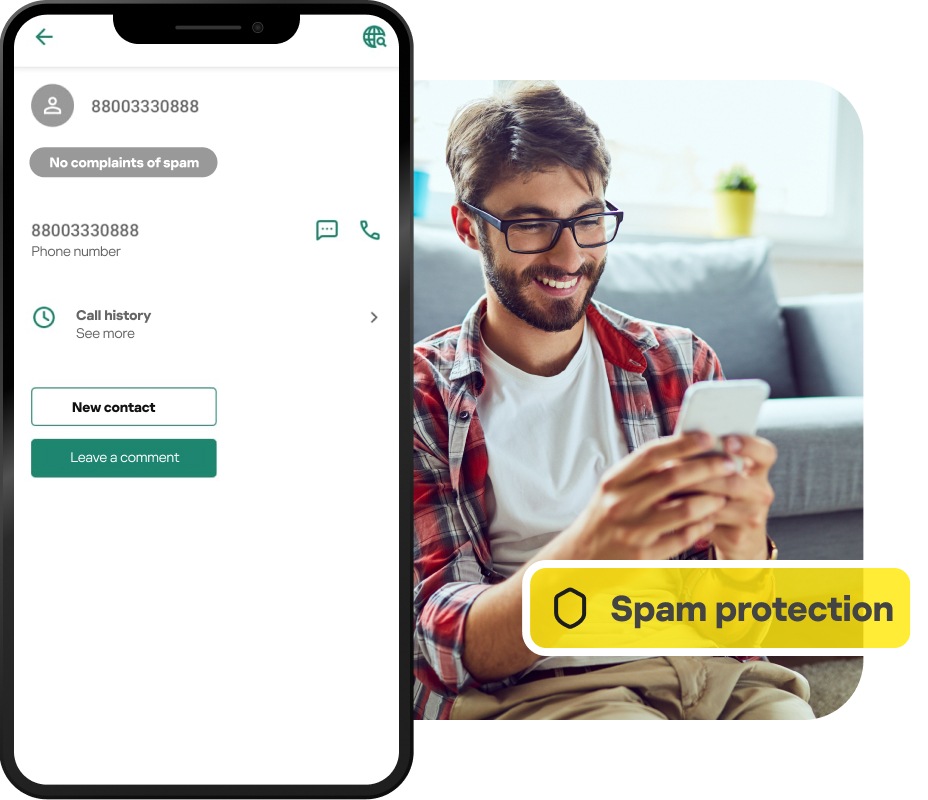
  • Antispam for SMS/EMS/MMS.
    Telephone numbers of spam sources can easily be added to a blacklist to ensure that such messages are always blocked. You can also add addresses from your contact list to a safe list.

Fast and discreet operation

  • Fast and discreet.
    Feel free to make calls, send SMS, read email and share files. Kaspersky Anti-Virus Mobile works discreetly and uses your phone’s resources economically. This solution works well, even on slow smartphone models.
  • Fast scanning.
    The time required for a complete scan of the smartphone ranges from 1 to 10 minutes, depending on the number, size and structure of files on the device. This is one of the best results on the market.
  • Uninterrupted operation.
    By default, when scanning objects on demand or on schedule, the product quarantines dangerous files without stopping the scan or prompting the user for action.

Convenient and ease of use

  • Simple and easy to use.
    Even the most inexperienced smartphone users will find it easy to manage Kaspersky Anti-Virus Mobile. The user interface is user-friendly and understandable.
  • Application status control.
    The icon with Kaspersky Lab logo in the window title bar shows the status of real-time protection like a system tray icon on a PC
  • Automatic updates.
    The Kaspersky Lab Virus Lab constantly updates databases on the server with new virus samples. Antivirus databases on the phone can be updated on schedule (at intervals set by the user). By default, the databases update automatically once a week. Updates are available via WAP / HTTP (GPRS, EDGE, 3G) or via a PC.

Malware for Mobiles

What can malware do to your smartphone?

  • Send mass SMS and MMS messages or dial premium rate numbers without your knowledge – all billed to you
  • Delete your personal information (e.g., address book, file, etc.) or steal confidential information
  • Disable functions on the phone (SMS, games, camera, etc.) or completely disable the whole device
  • Use up the phone’s battery much faster than usual
  • Send infected files to people in your name (via email, WiFi, Bluetooth, etc.)
  • Transfer malicious code from the smartphone to a PC upon connection

How can malware reach your mobile?

  • Via Bluetooth connections
  • In MMS messages
  • When downloading a program to the smartphone from an unreliable source

System requirements

Symbian Windows
  • Symbian OS 6.1, 7.0s, 8.0, 8.1 Series 60
  • Symbian OS 9.1, 9.2 Series 60
  • Symbian OS 7.0s, Series UIQ
  • Symbian OS 7.0s, Series 80
  • Windows Mobile 2003/5.0/6.0, including Pocket PC
Technical Support
Downloads
Home & Home Office Products for Business
Services for Business
About Us Partners
Kaspersky Anti-virus Logo
Copyright © 1997 - 2009 Kaspersky Lab.
All rights reserved. Industry-leading Antivirus Software