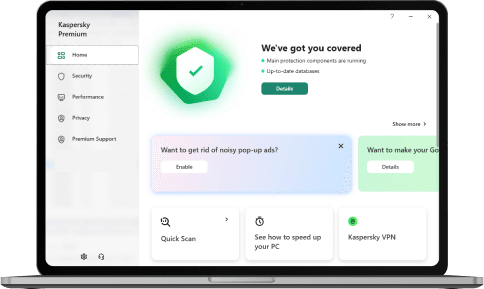
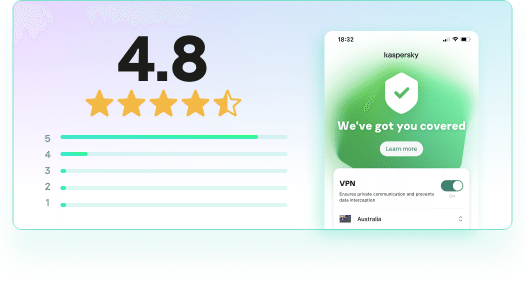
Try it out for free and see why it’s the best protection for you
Safeguard your digital life with our ultimate plan, combining award-winning antivirus, privacy & identity protection, performance boost and must-have premium benefits:
Fast & Unlimited VPN
Password Manager & Vault
Remote Premium IT Support (available after trial period)
The use of VPN technology is subject to local laws and regulations. Kaspersky VPN should only be used for its intended purpose. And it is not available for downloading or activation in Belarus, China, India, Iran, Iraq, Oman, Pakistan, Qatar, Saudi Arabia.
Proven top performer
Top real-world protection
Top Android protection
Shopping scam protection
Top-tier product
Most tested. Most awarded VPN
Award-winning, year after year
Over the past year, Kaspersky products appeared in 100 independent tests - winning 93 first-place awards.
We've achieved top results in malware detection, AI threat defense, and safe online shopping.
Always Up-to-Date. Always Secure.
Download the latest Kaspersky apps for Windows, macOS, Android, and iOS — all in one place.
Get the latest updates for Kaspersky Premium — including Password Manager, VPN, and Safe Kids as integrated tools. Available for Windows, macOS, Android, and iOS.
We use cookies to make your experience of our websites better. By using and further navigating this website you accept this. Detailed information about the use of cookies on this website is available by clicking on more information.